JLR SDD 169 Launcher

Instant Activation โ€” No Emails Required

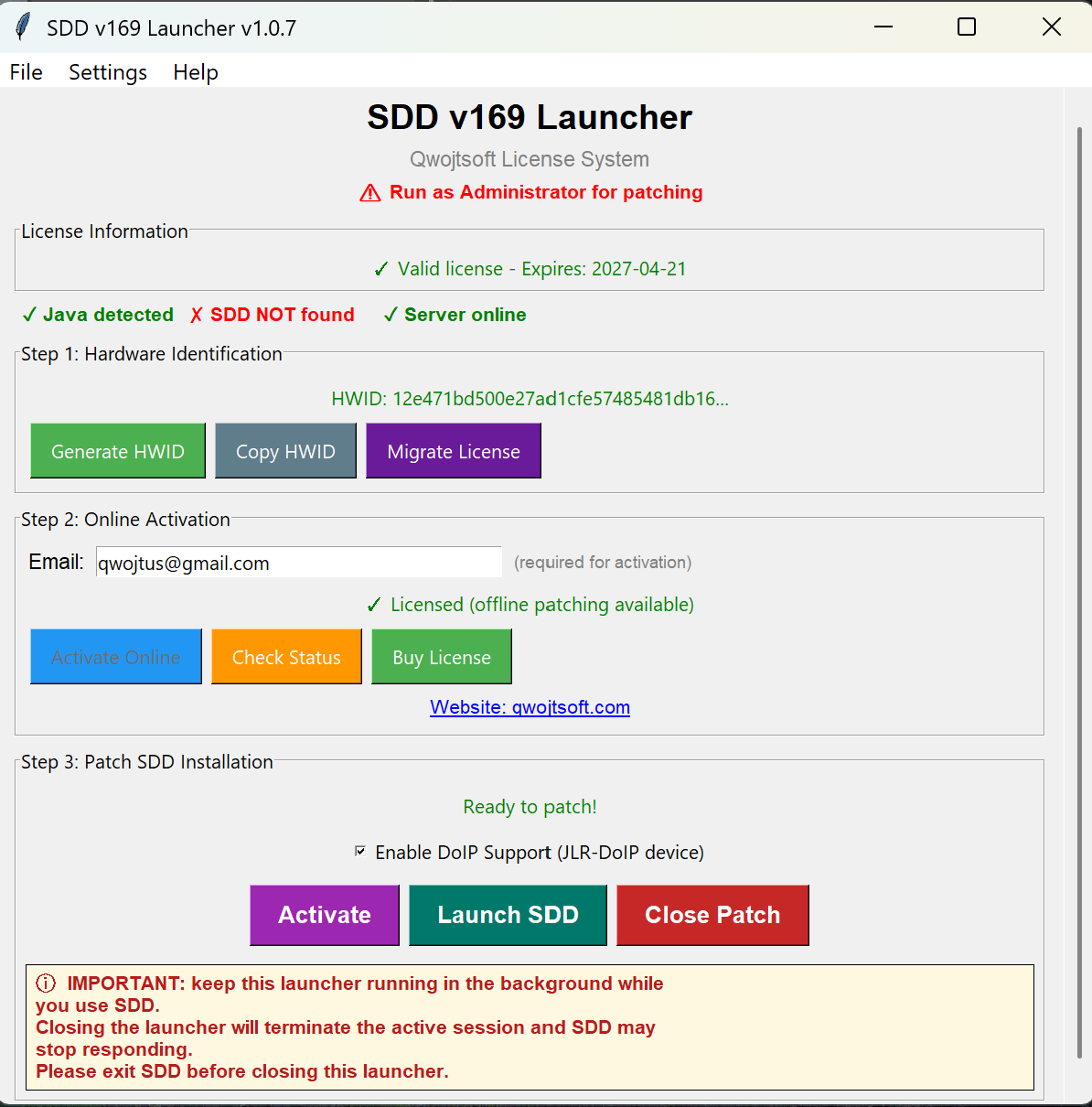
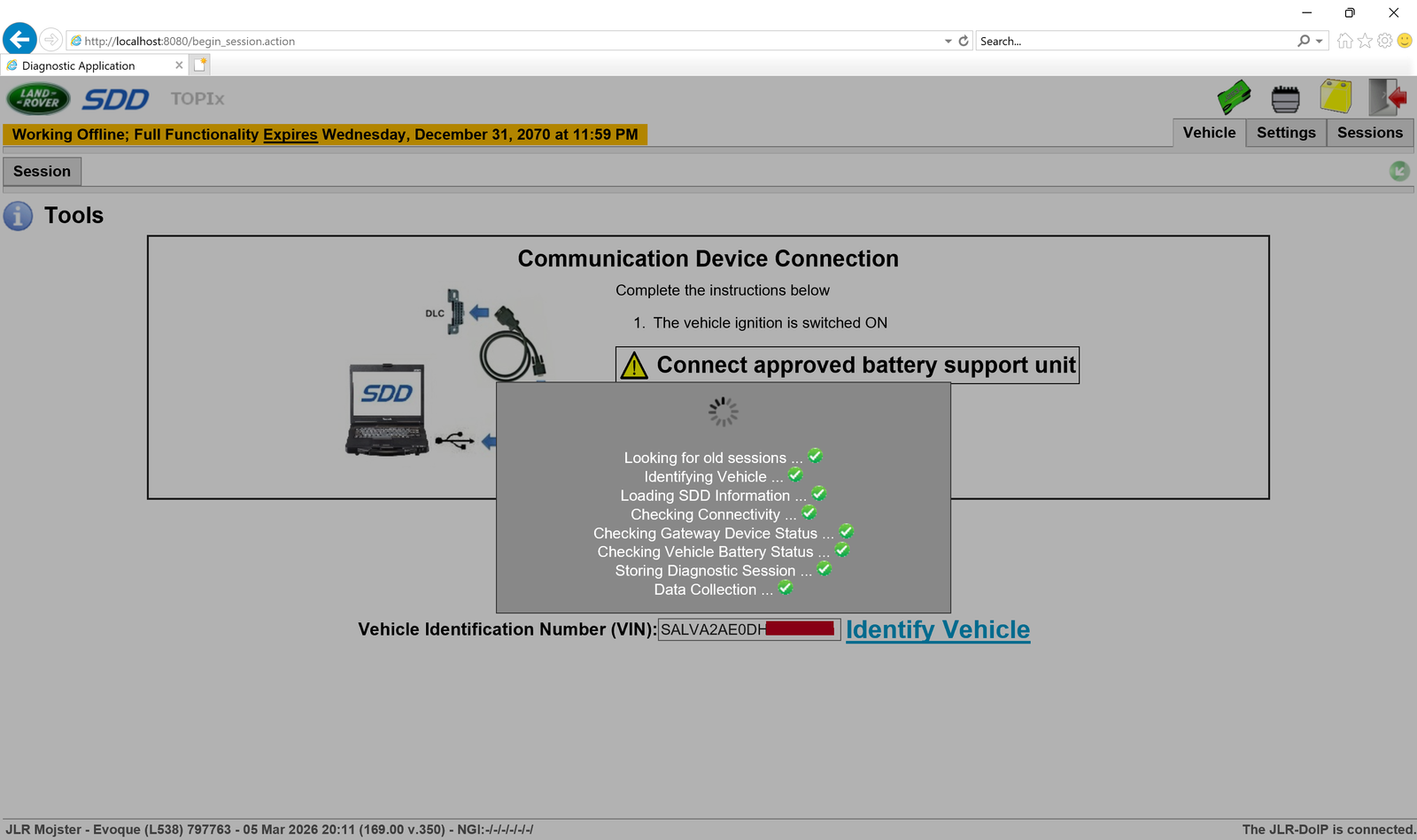
Professional launcher for JLR SDD v169. Activation is instant after payment โ€” no need to send any emails or files. The license is not permanently bound to your computer and can be migrated to a new machine if needed.

๐Ÿš— Supports: Jaguar & Land Rover 2005 โ€“ 2017
from โ‚ฌ49
24h ยท 30 days ยท 1 year
Download SDD 169
SDD Launcher Tool

Pathfinder Launcher

Instant Activation โ€” No Emails Required

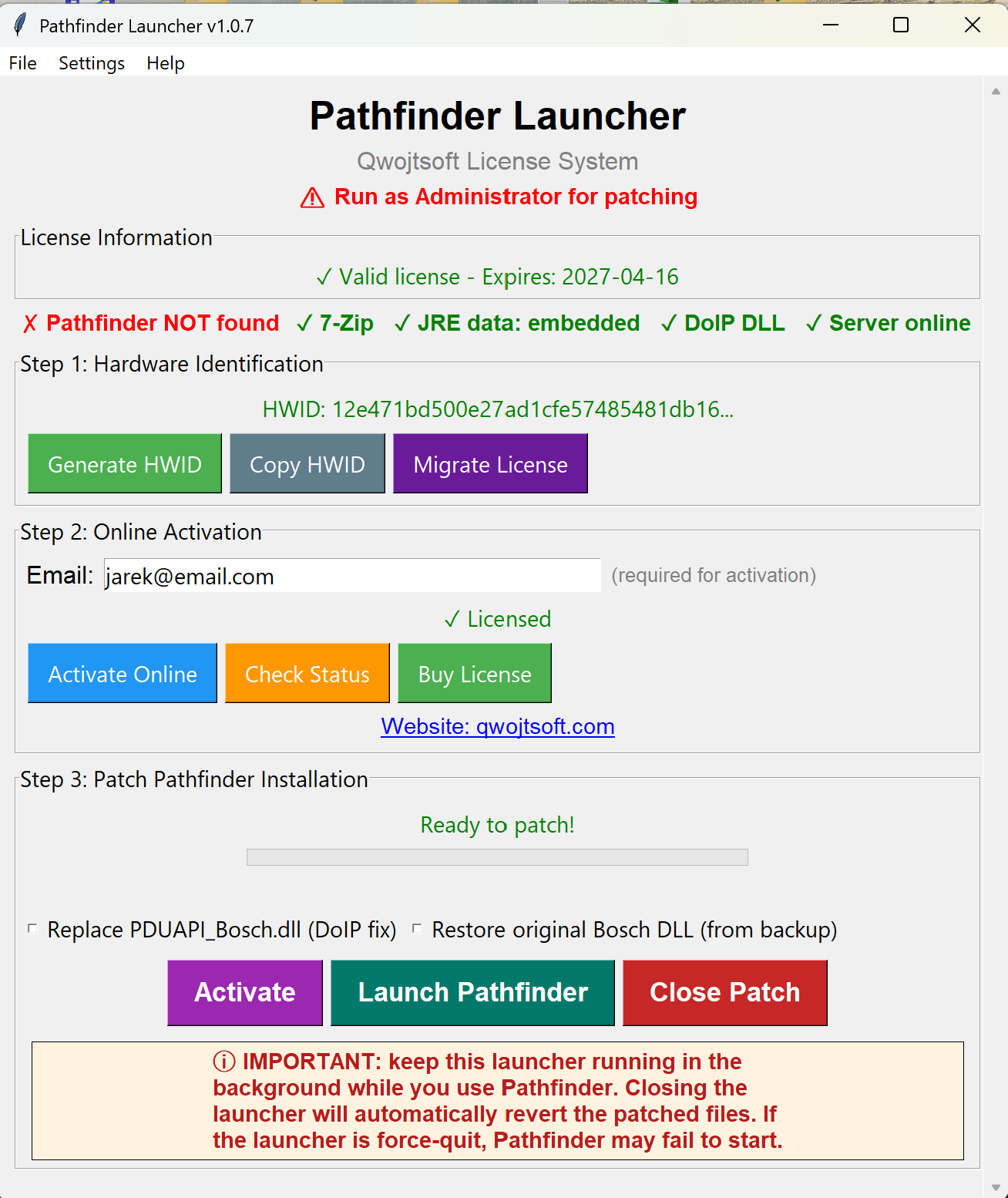
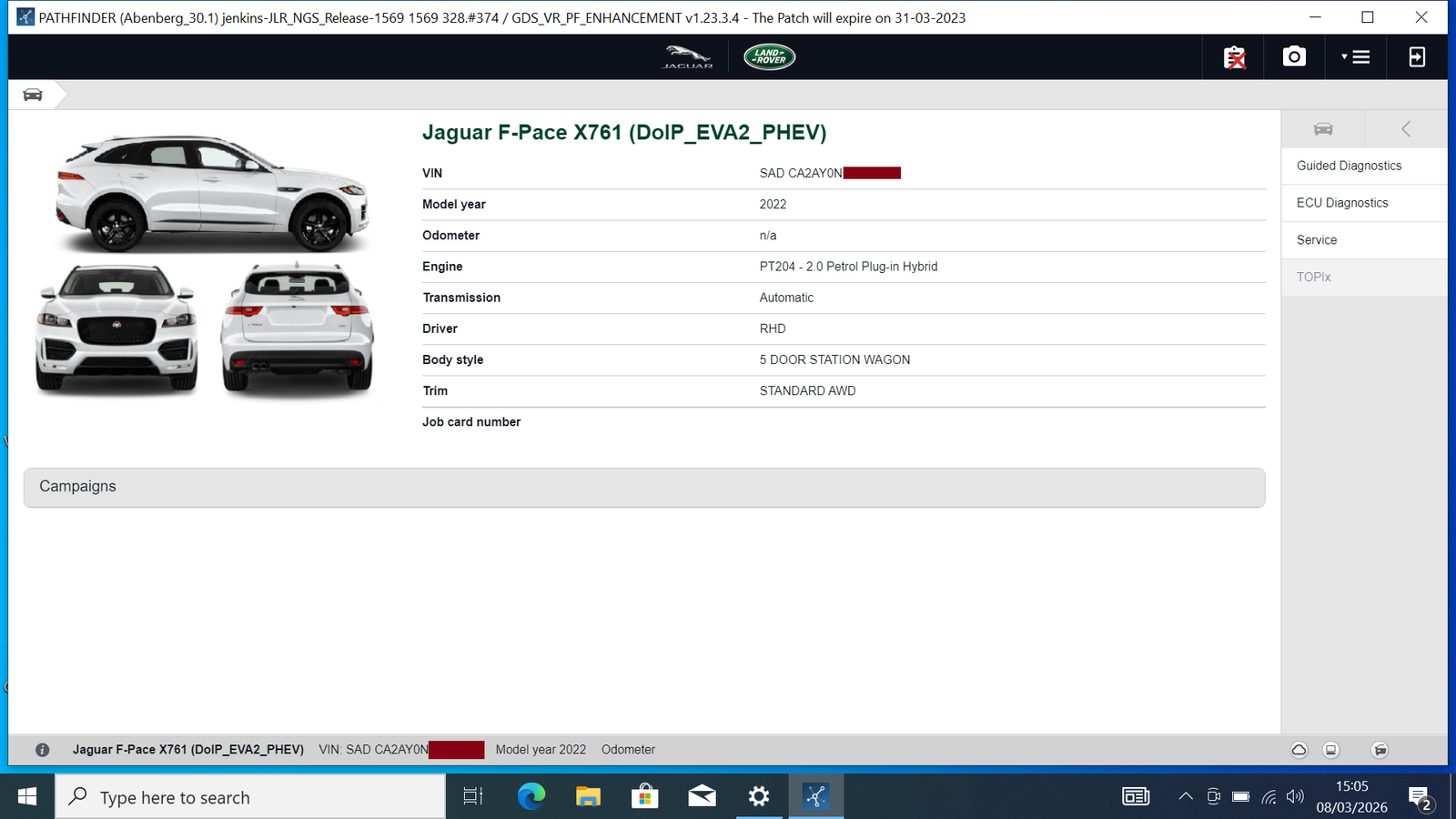
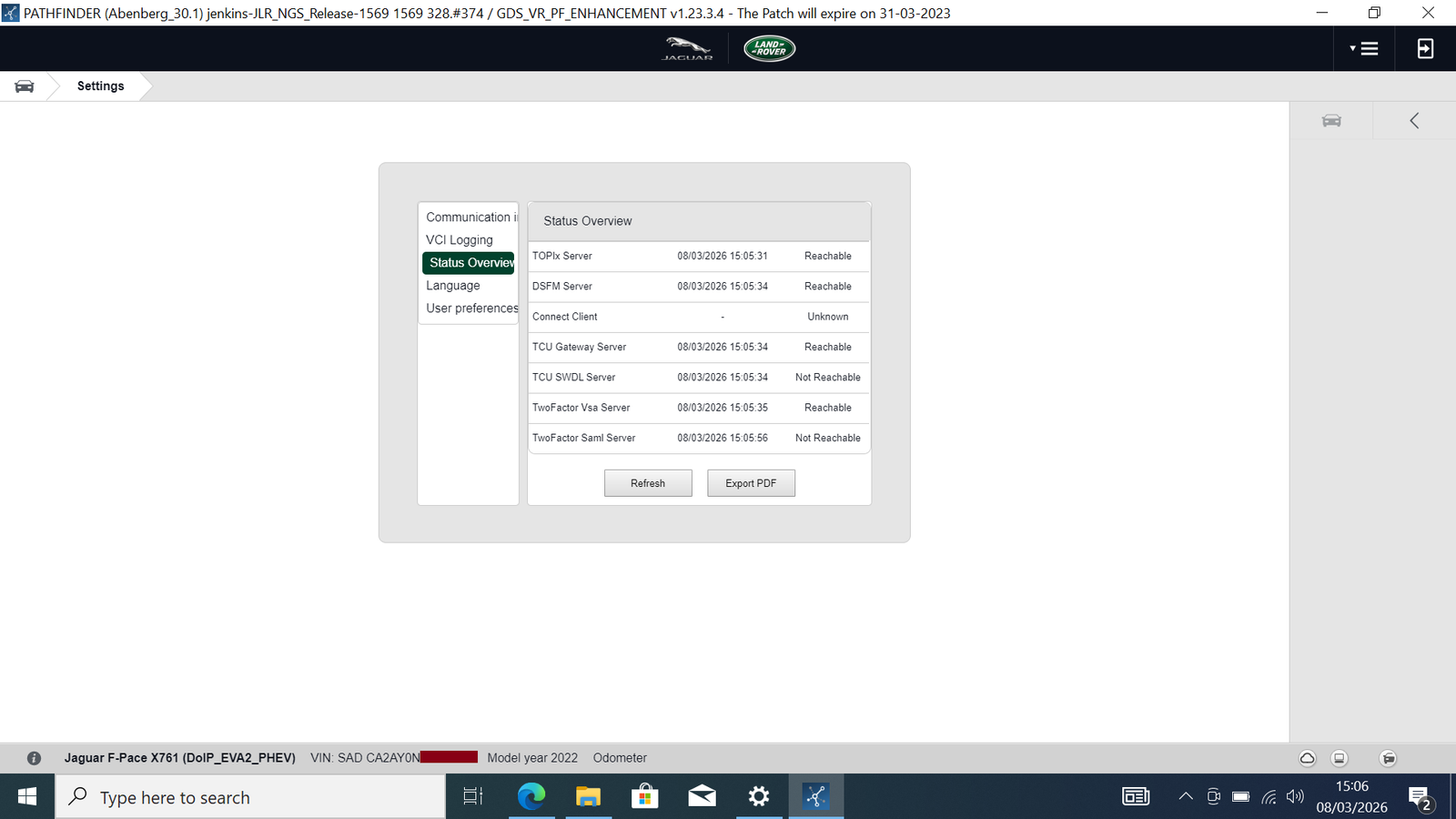
Professional launcher for Pathfinder diagnostic software. Activation is instant after payment โ€” no need to send any emails or files. The license is not permanently bound to your computer and can be migrated to a new machine if needed. Full DSFM functionality enabled after reading VIN from vehicle.

๐Ÿš— Supports: Jaguar & Land Rover 2017 โ€“ 2023
from โ‚ฌ49
24h ยท 30 days ยท 1 year
Download Pathfinder
Pathfinder Launcher Tool

Which Tool Do I Need?

Choose based on your vehicle model year

๐Ÿ”ง

JLR SDD 169 Launcher

2005 โ€“ 2017

For older Jaguar and Land Rover vehicles with traditional diagnostics.

View SDD Launcher
๐Ÿš€

Pathfinder Launcher

2017 โ€“ 2023

For newer Jaguar and Land Rover vehicles with DoIP/Ethernet diagnostics.

View Pathfinder Launcher

Note: 2017 vehicles may work with either tool depending on the specific model and build date. Contact us if unsure.

System Requirements

What you need to run JLR diagnostic tools

Operating System

Windows 10/11 (64-bit) - Fresh installation recommended for best results.

Software

SDD v169 or Pathfinder installed at default location. Clean installation required.

Administrator Privileges

Run activation tool as Administrator for proper file deployment.

Disk Space

~200 MB free space recommended for full activation.

Important Notes

Please read before purchasing

Clean Installation Required

Remove any previous patches before activation. Use a clean SDD v169 or Pathfinder installation for best results.

SDD Post-Activation

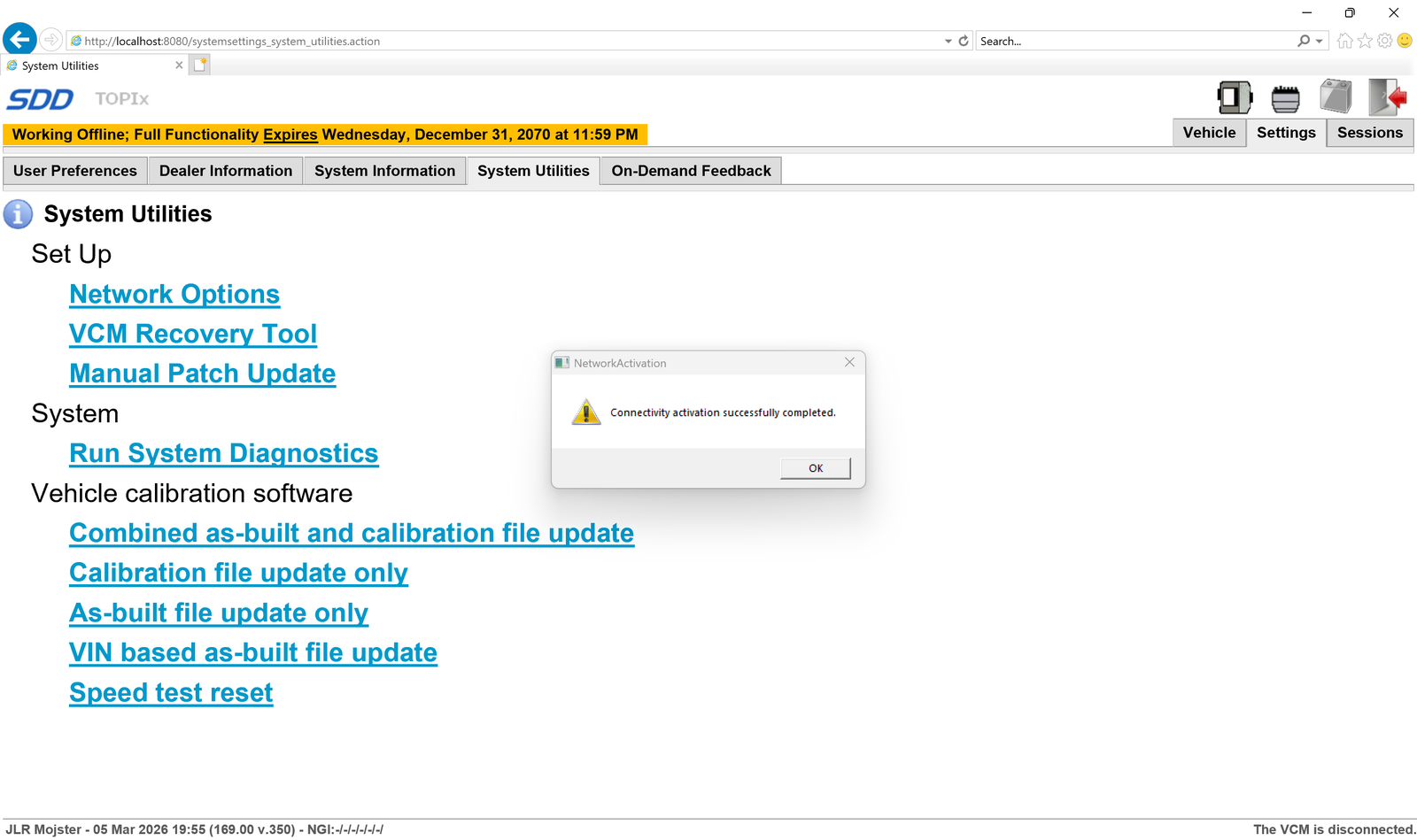
After activation: Open SDD โ†’ Utilities โ†’ Activate Network. Works fully online.

Pathfinder Post-Activation

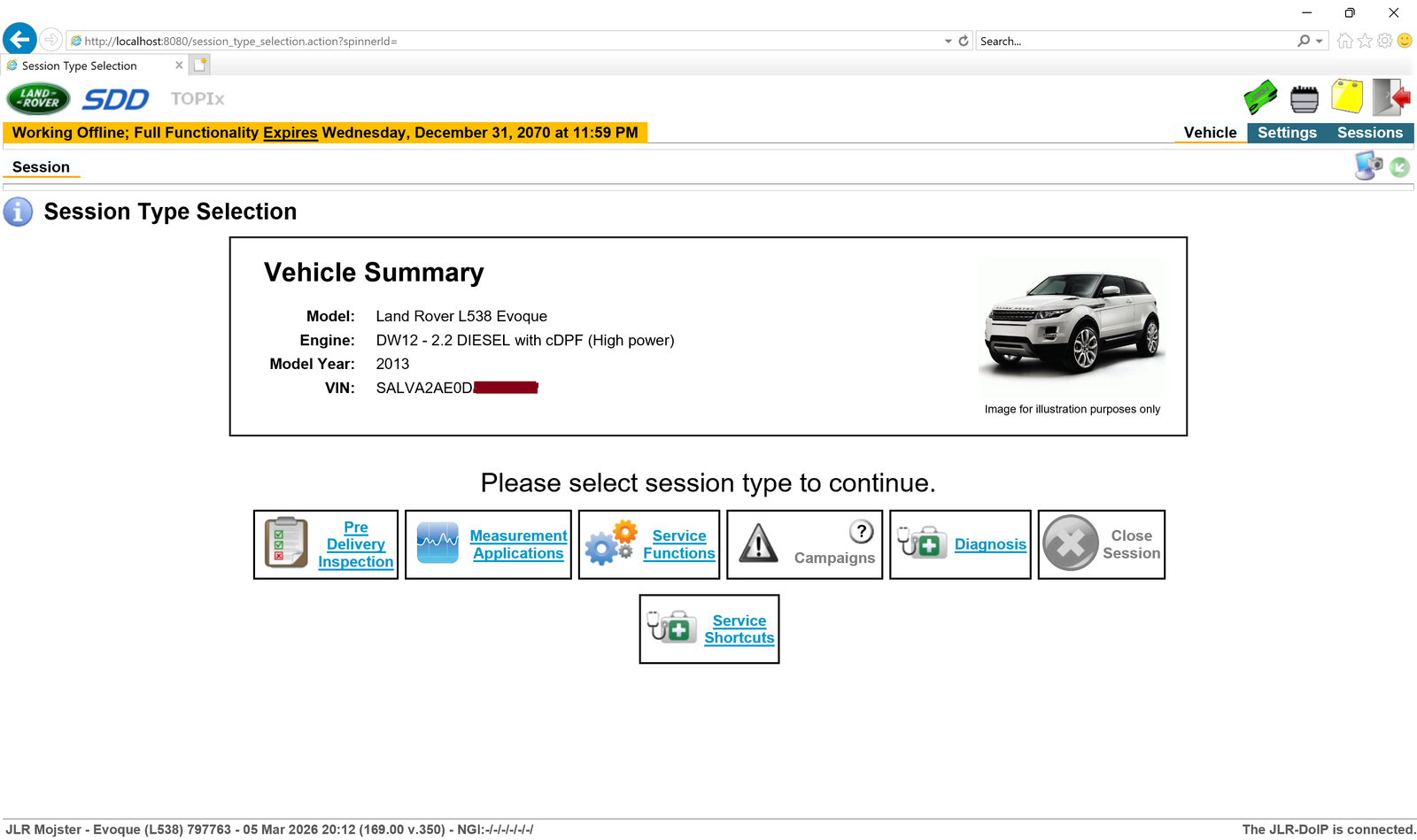
No login required after patching. DSFM enabled after connecting interface and reading VIN from vehicle.

License Migration Available

The license is not permanently tied to your hardware. If you change your PC, contact us and we will migrate the license to your new machine.

Recent Updates

Latest improvements to JLR Tools

  • โšก Instant Activation
    Activation is now fully instant after payment โ€” no need to send emails or files. Your license is delivered automatically.
  • ๐Ÿ“… 3 License Modes Added
    Choose the plan that fits your needs โ€” 24-hour access, 30-day, or 1-year license. Flexible options for occasional and professional use.
  • ๐Ÿ”„ License Migration
    Licenses are no longer permanently bound to a machine. Migration to a new computer is now possible โ€” contact support to transfer.
  • ๐Ÿ” Online Licensing
    Added a full online licensing system for both applications โ€” no more sending files back and forth.
  • ๐ŸŽจ UI Redesign
    Completely redesigned the UI for better readability, cleaner layout, and clearer tooltips with proper explanations.
  • ๐Ÿ›ก๏ธ Pathfinder Safety Check
    Pathfinder patch: added automatic condition checks before applying the patch to prevent incorrect usage.
  • ๐Ÿ–ฅ๏ธ DPI Support
    Added support for both low-DPI and high-DPI displays โ€” the interface now scales correctly based on your Windows settings.

Ready to Activate?

Get started with JLR diagnostic tools today. โ‚ฌ399 per year, or try from โ‚ฌ49 for 24 hours.

๐Ÿ’ณ Choose Your License

Select a licensing period that suits you