See It In Action
Screenshots and video tutorials
The Complete Toolkit — Full + Qwojtsoft Calibrator Built In
HexTool Pro is the redesigned all-in-one edition. It includes every tool from HexTool Full — the complete BMW, VAG and multi-brand IMMO & mileage suite — with the Qwojtsoft Calibrator built right in. One licence, one application, the whole workflow.
🎁 1 year free updates included with the 1 year activation
ℹ️ Current version: v2.5.52
The full HexTool toolkit plus the Qwojtsoft Calibrator — no separate licences
Dual-pane editor, synced scrolling, diff highlighting, search, notes and smart pattern tools.
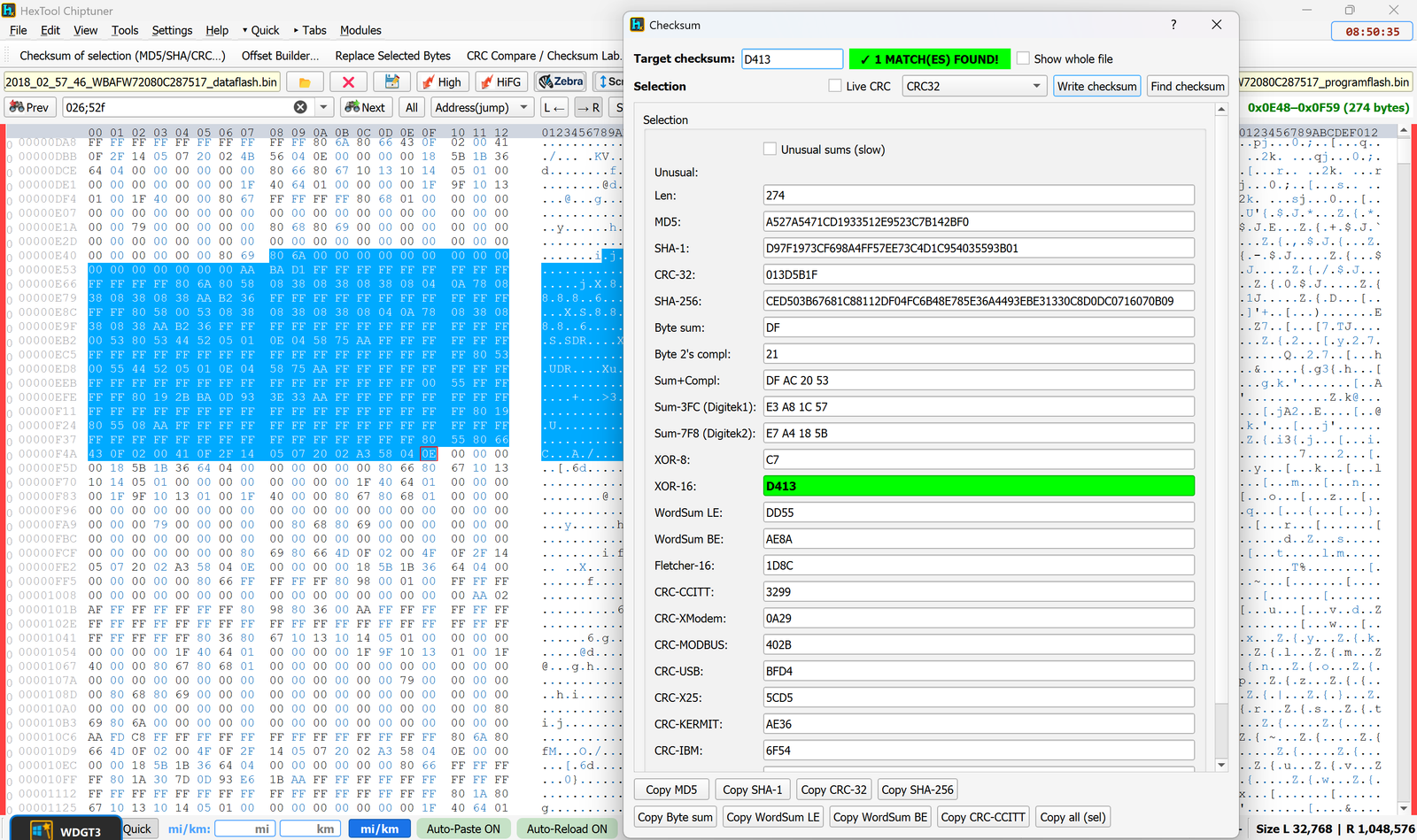
CRC Live Update, algorithm selector, checksum of selection and write-checksum-into-file.
CAS3/CAS4 editor, FRM Recovery, CAS Flash, Instrument Cluster and CAS3+ encrypted ISN predictor.
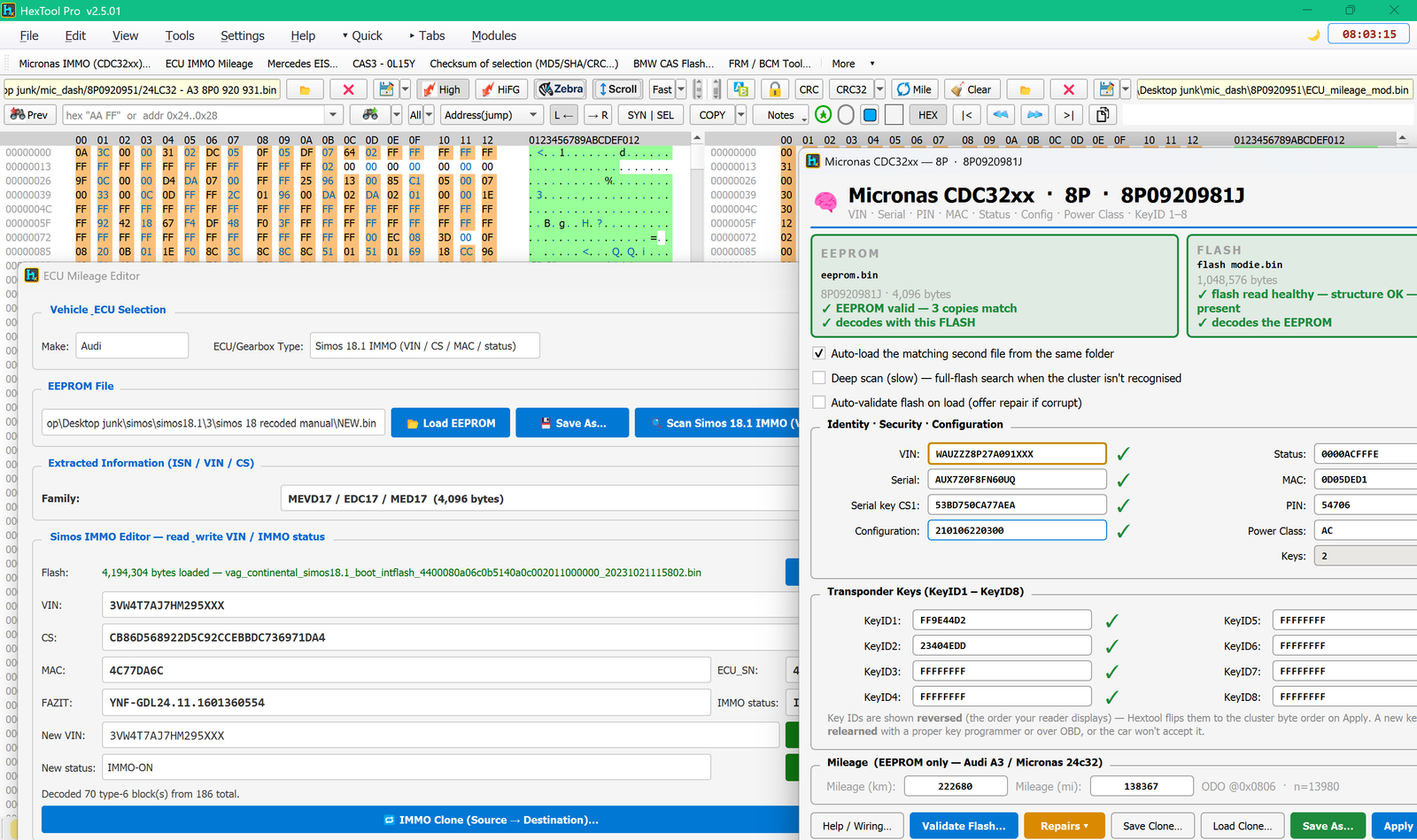
VAG CCM, Audi BCM2 / Immo 5 (A6/A8/Touareg), Micronas repair wizard, VW Simos 12.1/18.1 cloning.
ECU Mileage Editor, ECU hours/mileage scanner, multi-brand IMMO dialogs, VIN/KM editing.
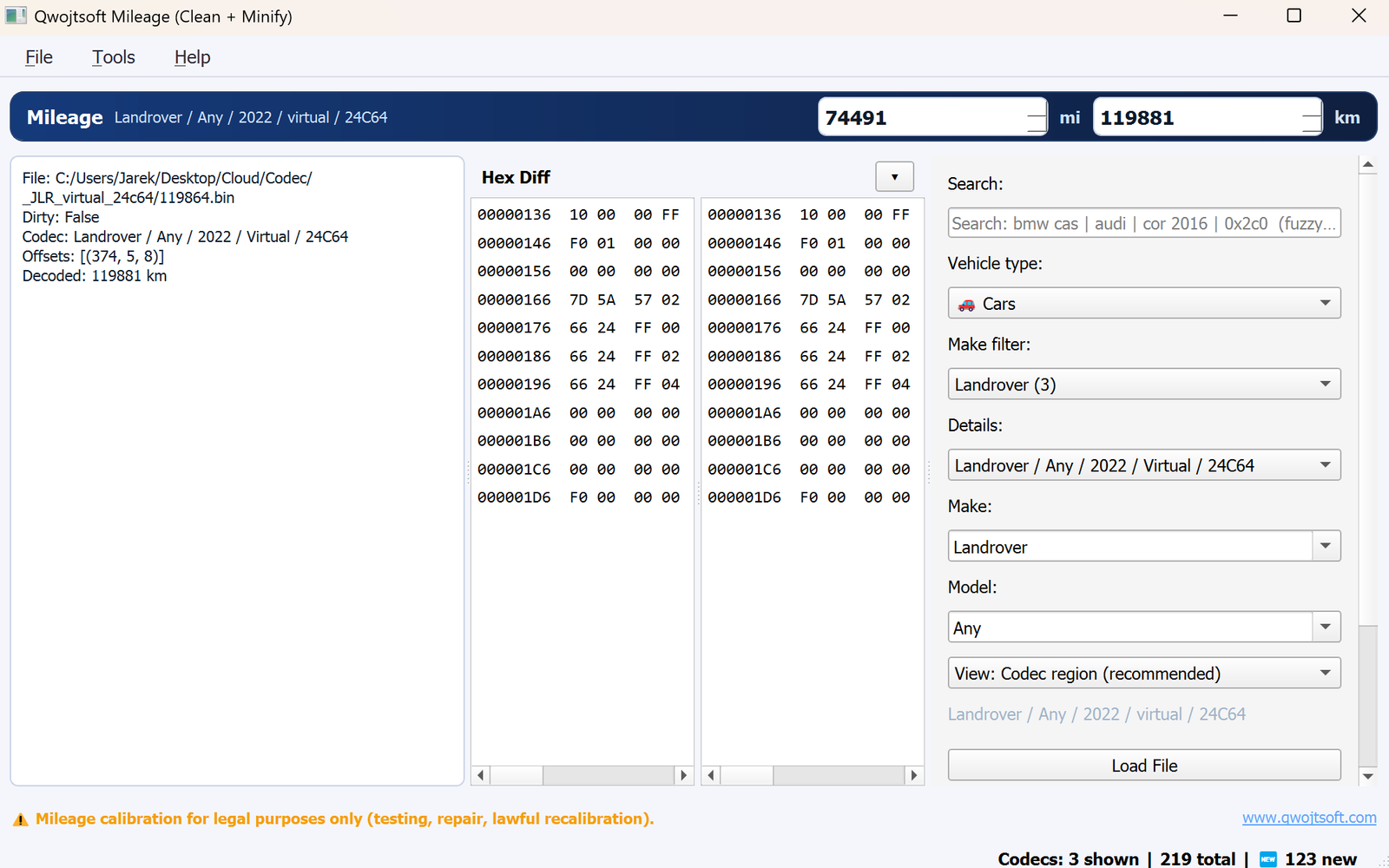
The full mileage calibration tool with multi-brand codecs, embedded directly in HexTool Pro.
Comprehensive checksum verification and correction
Real-time CRC calculation and monitoring as you make changes to the file.
Choose from CRC32, MD5, SHA-1, SHA-256 and more with the cmb_live_algo_mw selector.
Calculate MD5/SHA/CRC hash for any selected bytes in the file.
Apply calculated checksums directly into the ECU file at specified locations.
The full mileage calibration tool, embedded inside HexTool Pro
Built-in calibration codecs for dozens of brands and EEPROM dumps — no add-ons required.
Read the current odometer value and write a corrected one back, straight from the dump.
Calibrate and verify changes against the original dump without leaving HexTool.
Everything from HexTool Full plus the Calibrator in a single window — load, edit, calibrate, save.
Screenshots and video tutorials
How professionals use HexTool Pro
Open original ECU file on the left pane, modified file on the right pane.
Use diff highlighting to see all changes between original and modified files.
Calculate checksum of selection to verify file integrity.
Make calibration changes using the hex editor and replace tools.
Use CRC Live Update or Write Checksum to correct the CRC.
Save the modified file ready for flashing to the ECU.
Get HexTool Pro: every tool in one application. €499 lifetime activation with 1 year free updates.
Buy 1 Year – €499 Renew Updates – €399