See It In Action
Screenshots and video tutorials
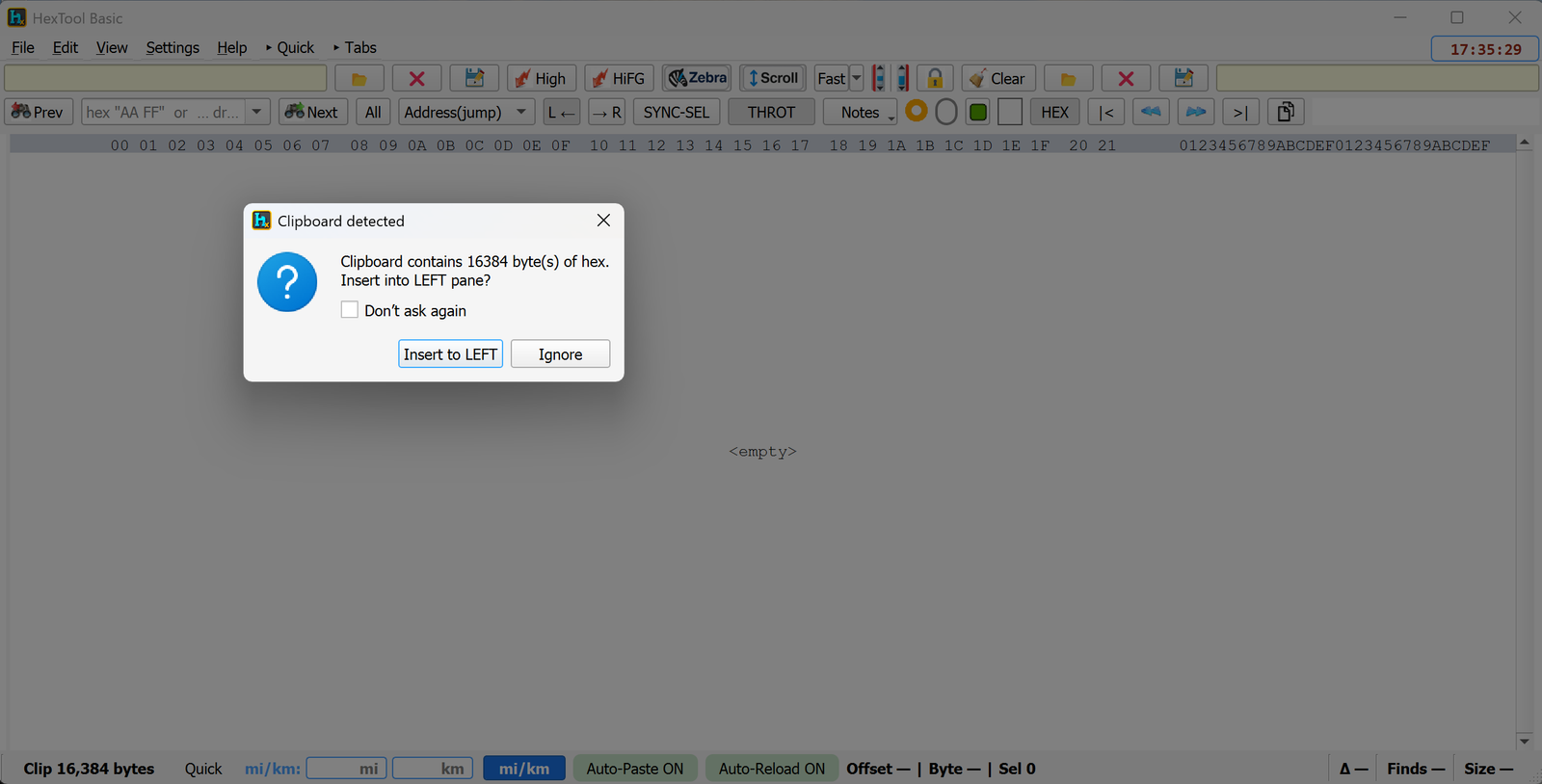
Essential Hex Editing for Everyday Use
A powerful, dual-pane hex editor for exploring, comparing, and analyzing binary files. Perfect for developers, reverse engineers, and anyone who needs to work with binary data.
🔄 Renew Updates to keep receiving new features after your first year of free updates.
ℹ️ Current version: v2.5.52
Everything you need for professional hex editing
View two files side-by-side for easy comparison. Perfect for analyzing original vs. modified files.
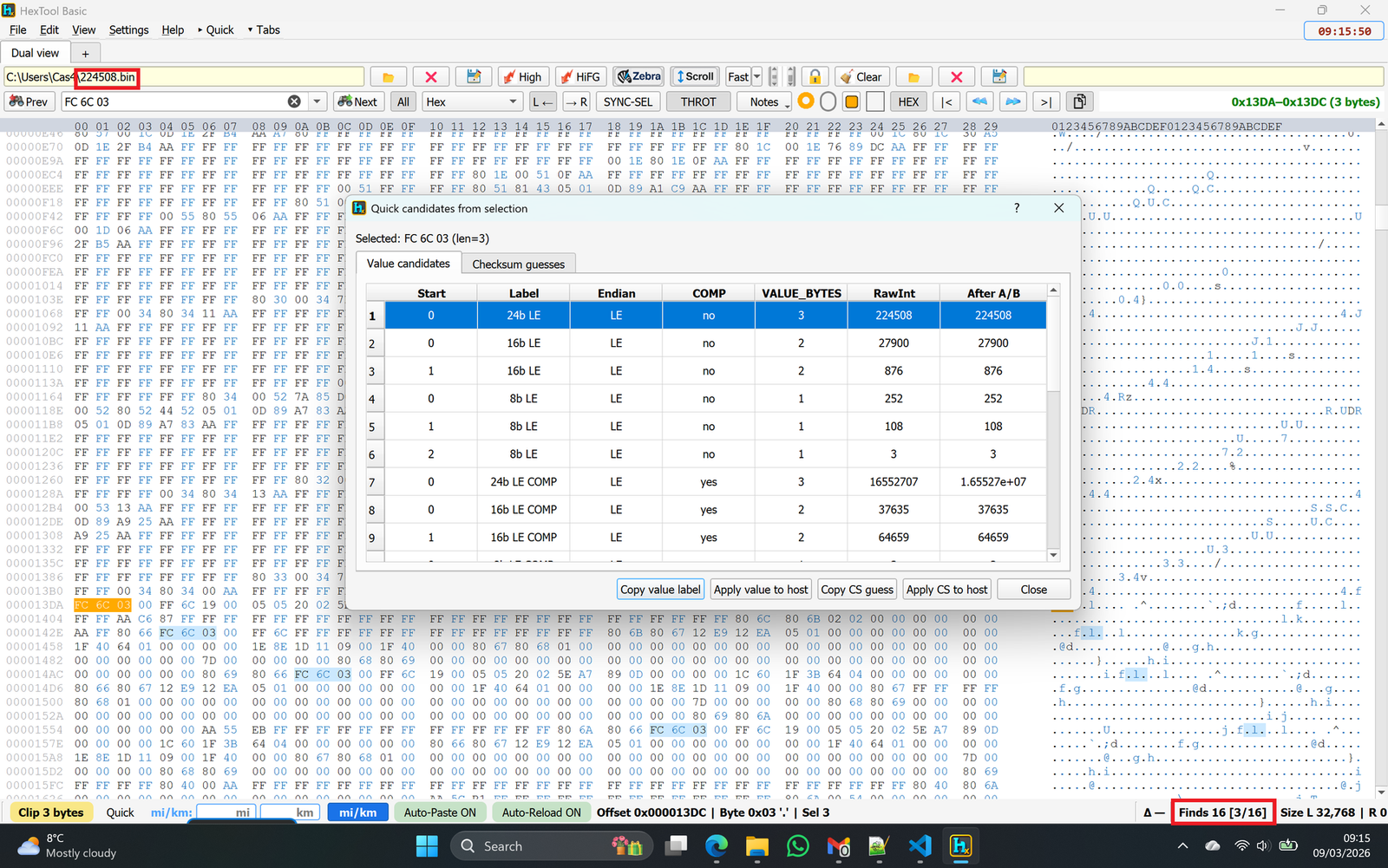
Search for hex patterns like "AA FF 00", jump to specific addresses, and navigate through all matches easily.
Optimized for large files with instant viewport updates and memory-mapped file handling.
Automatically highlight differences between two files with customizable background or foreground colors.
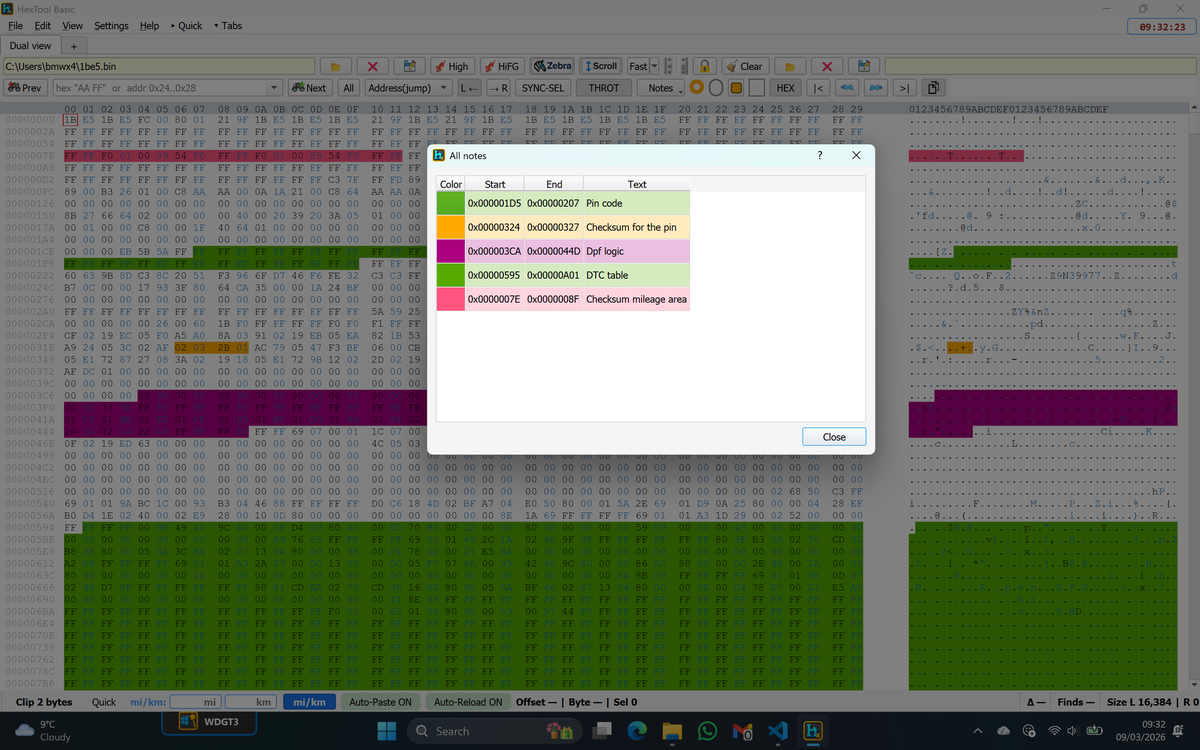
Create notes attached to specific byte ranges. Notes persist automatically per file.
Both panes scroll together with optional sync lock for perfect alignment during comparisons.
Copy as hex, decimal (Big/Little Endian), or raw bytes. Auto-copy on selection available.
Choose fonts, colors, and accent presets. Show/hide toolbar buttons and customize layout to your preference.
Screenshots and video tutorials
Work faster with keyboard commands
| Shortcut | Action |
|---|---|
Ctrl+O |
Open file (left pane) |
Ctrl+S |
Save file |
Ctrl+F |
Search |
F3 |
Find next |
Shift+F3 |
Find previous |
F5 |
Reload file |
Ctrl+C |
Copy selection |
Purchase HexTool Basic today and streamline your hex editing workflow.
Purchase for €89